01
Download SocioPost Communities
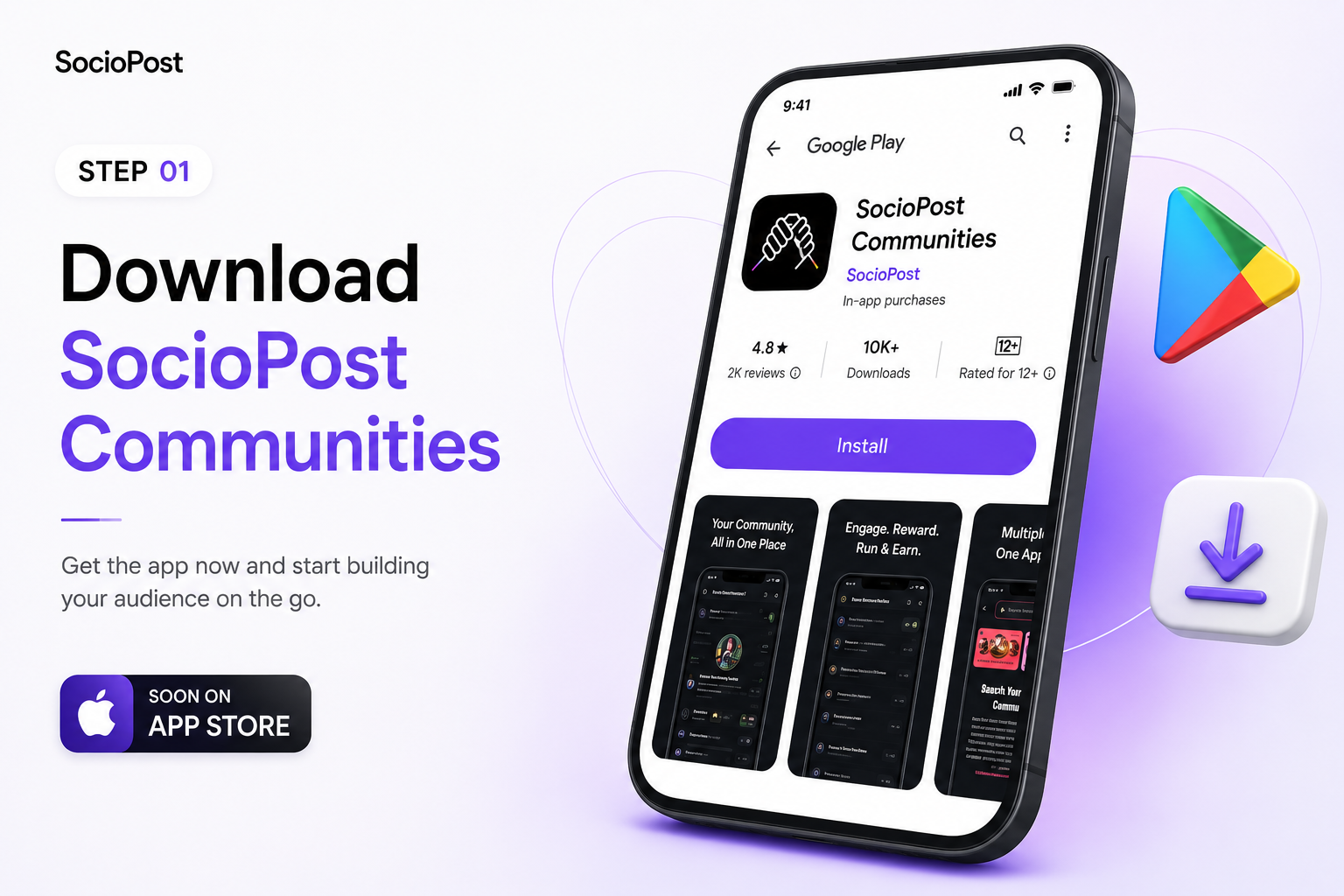
Get the app now and start building your audience on the go. Download from Google Play, or use the direct APK option when you want quick access.
SocioPost
SocioPost / First steps
Get the app now and start building your audience on the go.
Get the app now and start building your audience on the go. Download from Google Play, or use the direct APK option when you want quick access.
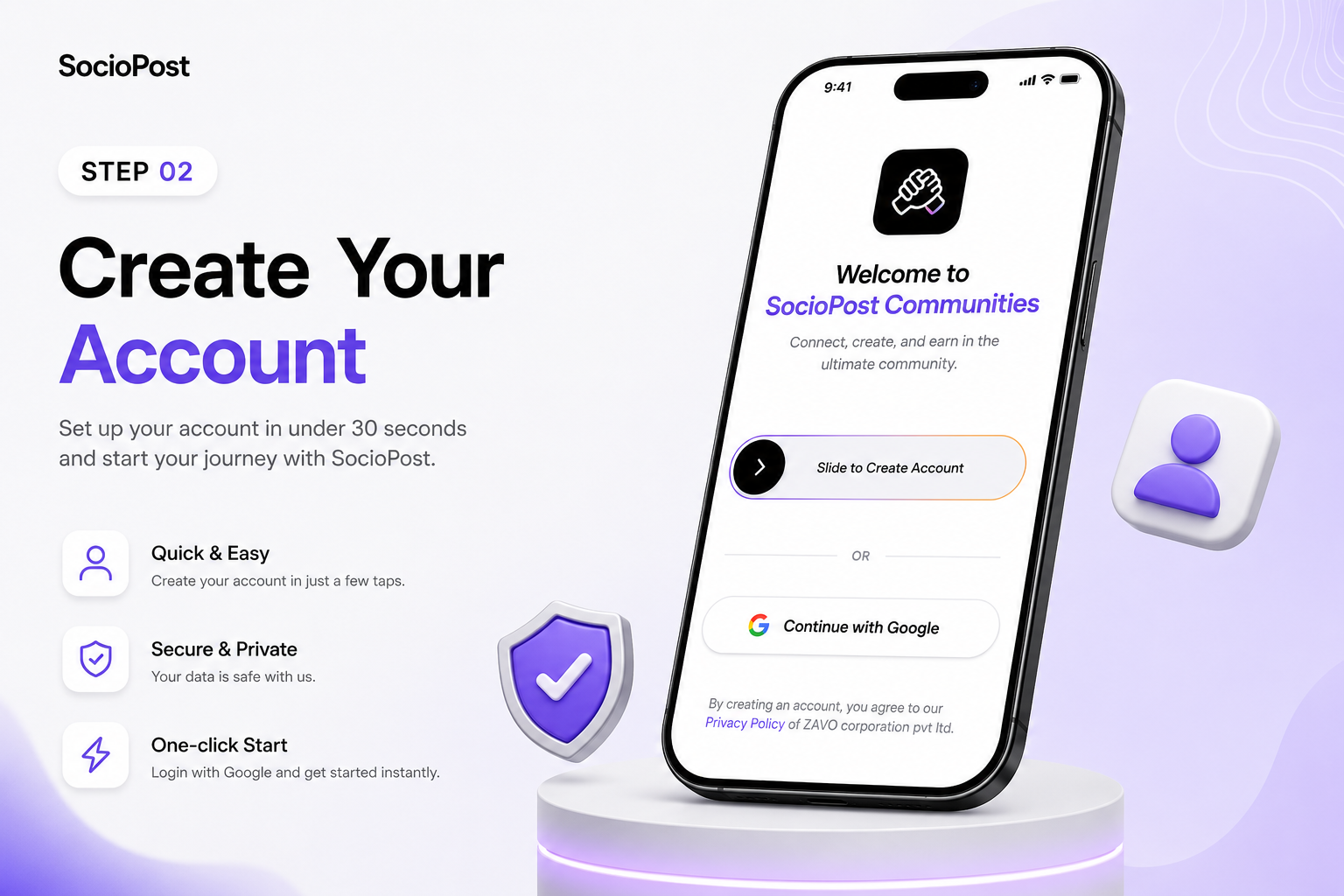
Get set up in under 30 seconds with zero friction. Login with Google for a fast one-click start, or use your SocioPost ID with email and password.
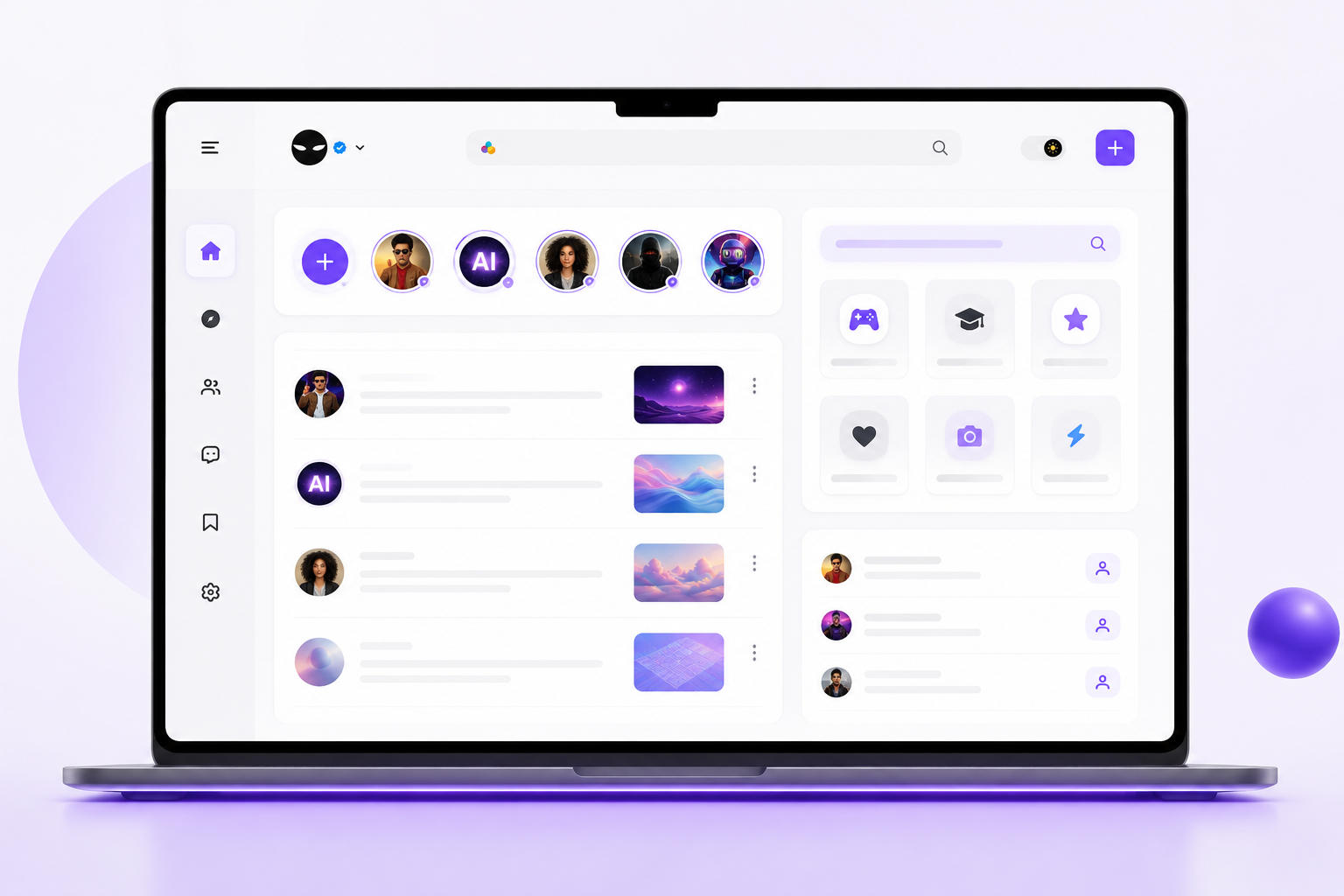
Discover what is happening in your favorite niches. Browse Gaming, Tech, Web3, Memes, and Fitness hubs, then follow creators and join active discussion channels.
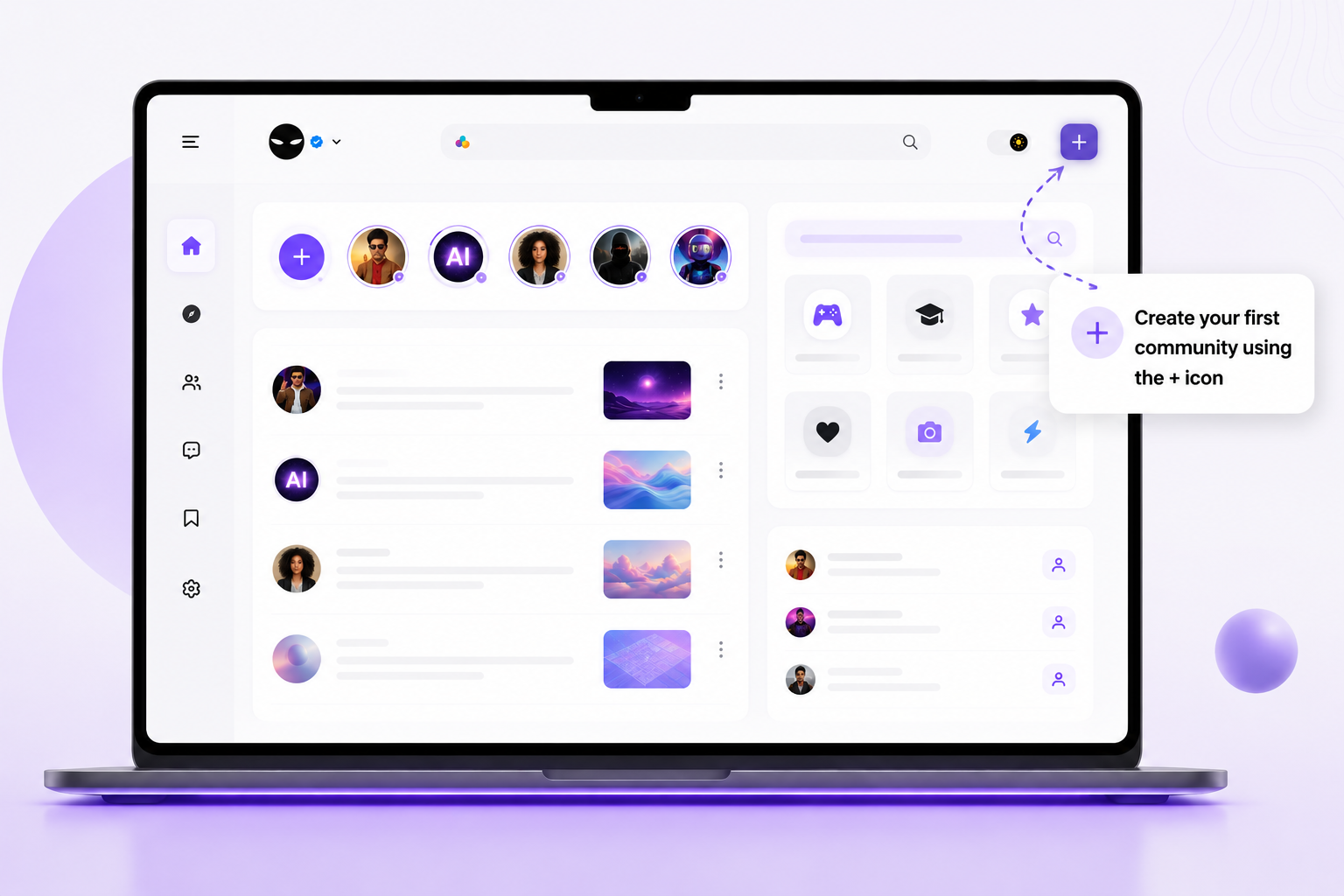
Build your personal hub with full control and custom branding. Set your community name, logo, banner, rules, roles, VIP access zones, and discussion threads.
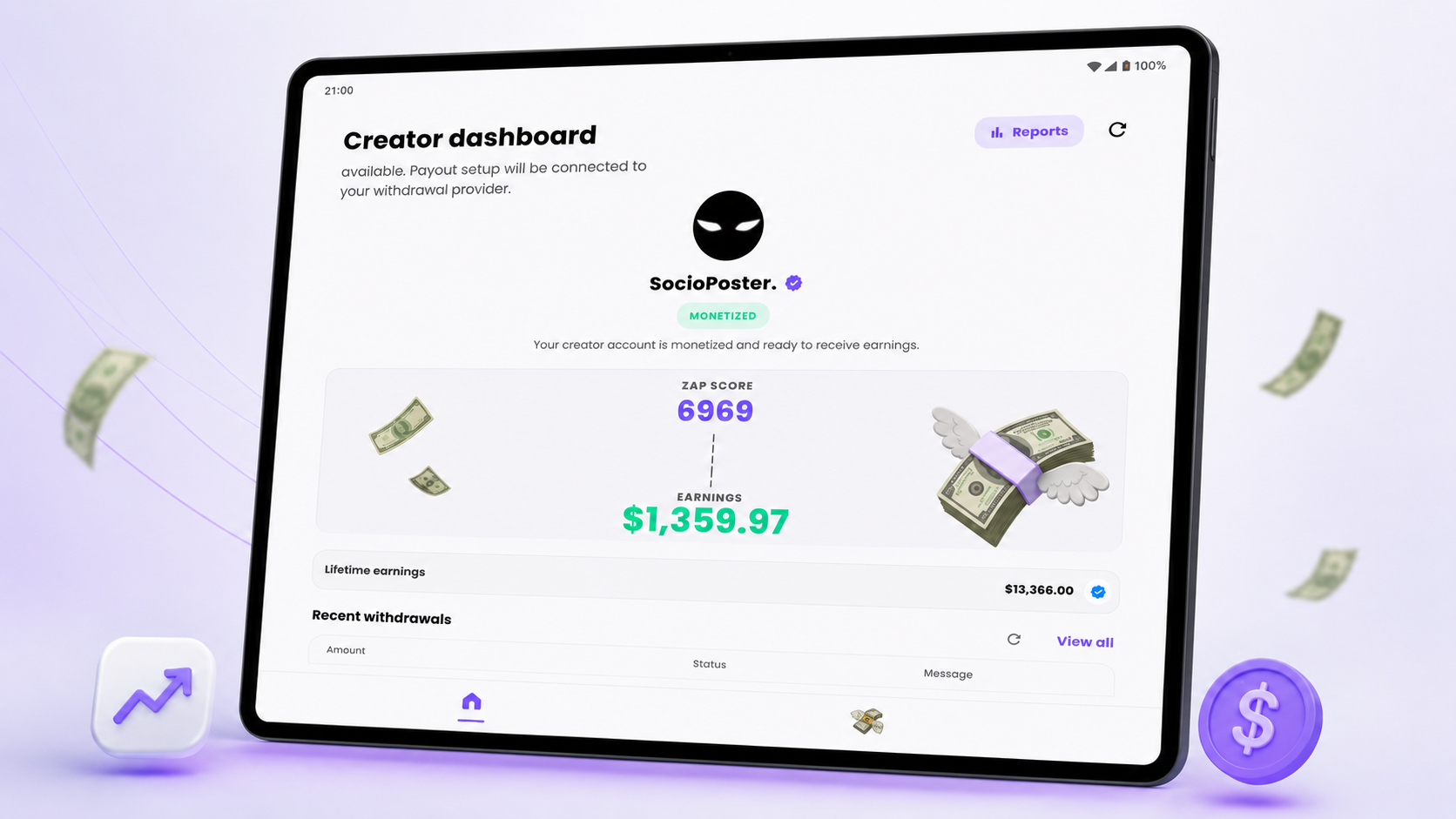
Turn engagement into real earnings from day one. Earn XP and cash rewards through posts, comments, and active members, with subscriptions, tipping, and sponsored brand posts.
Ready to master
community growth?